
A place of their own for every employee
Holiday, payslips, shared HR files and account security, without asking a manager or digging through e-mail.
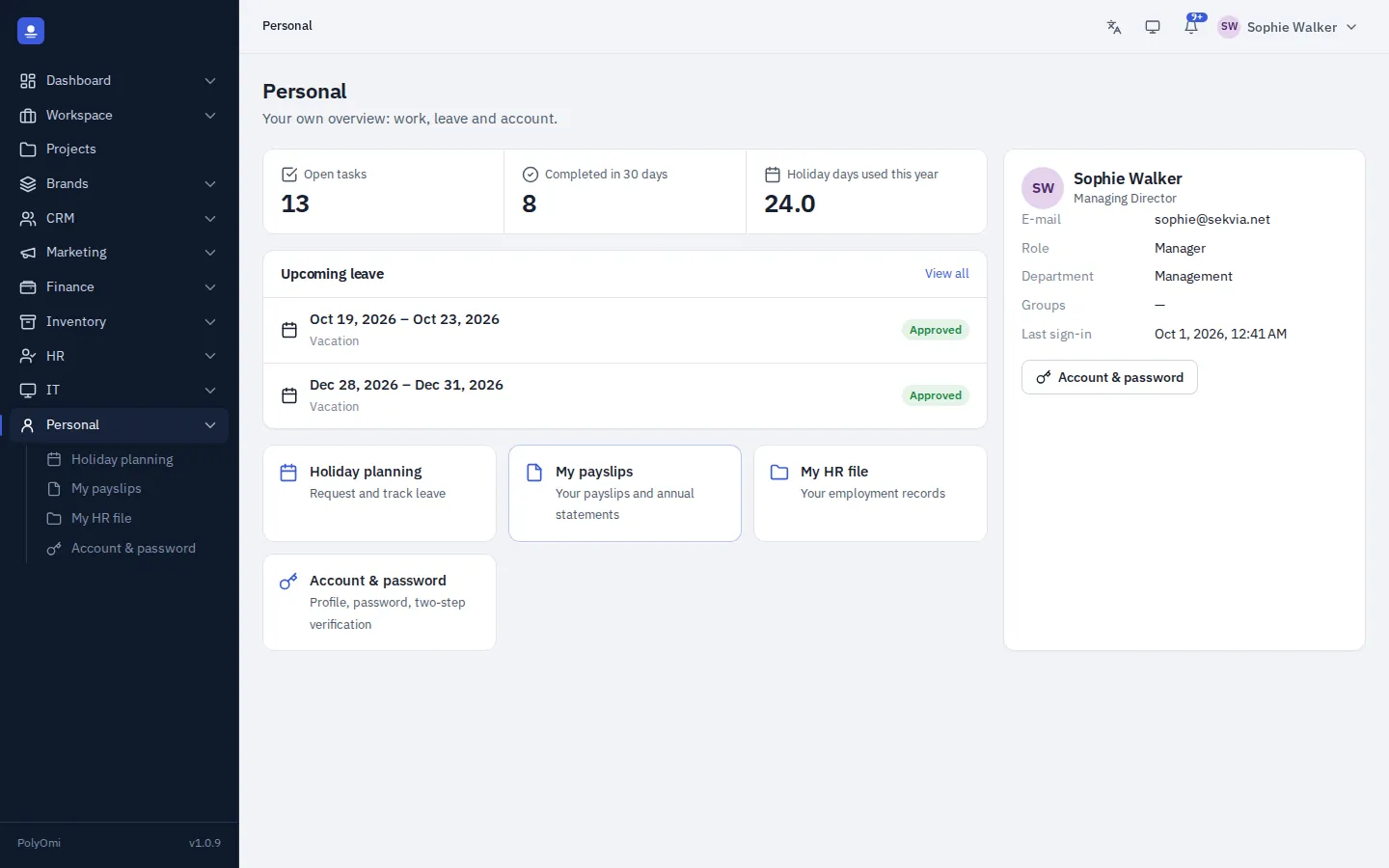
Holiday planning
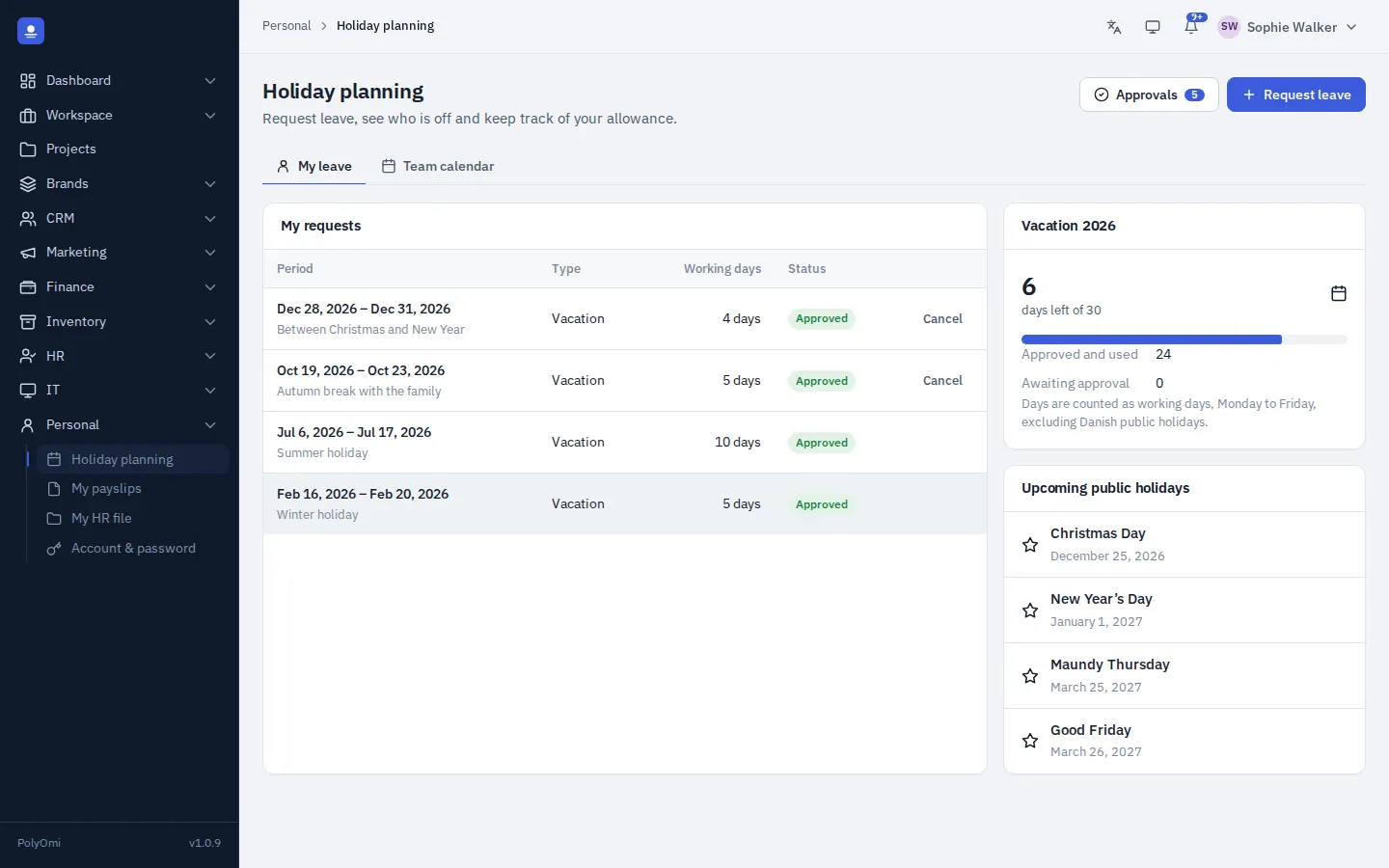
Request leave, follow the answer
Employees see their holiday balance, request leave and follow the approval status. The team calendar shows when colleagues are away, so plans can be made before the request is sent.
- Holiday balance always up to date
- Request status from pending to approved
- Team calendar before you plan
Payslips
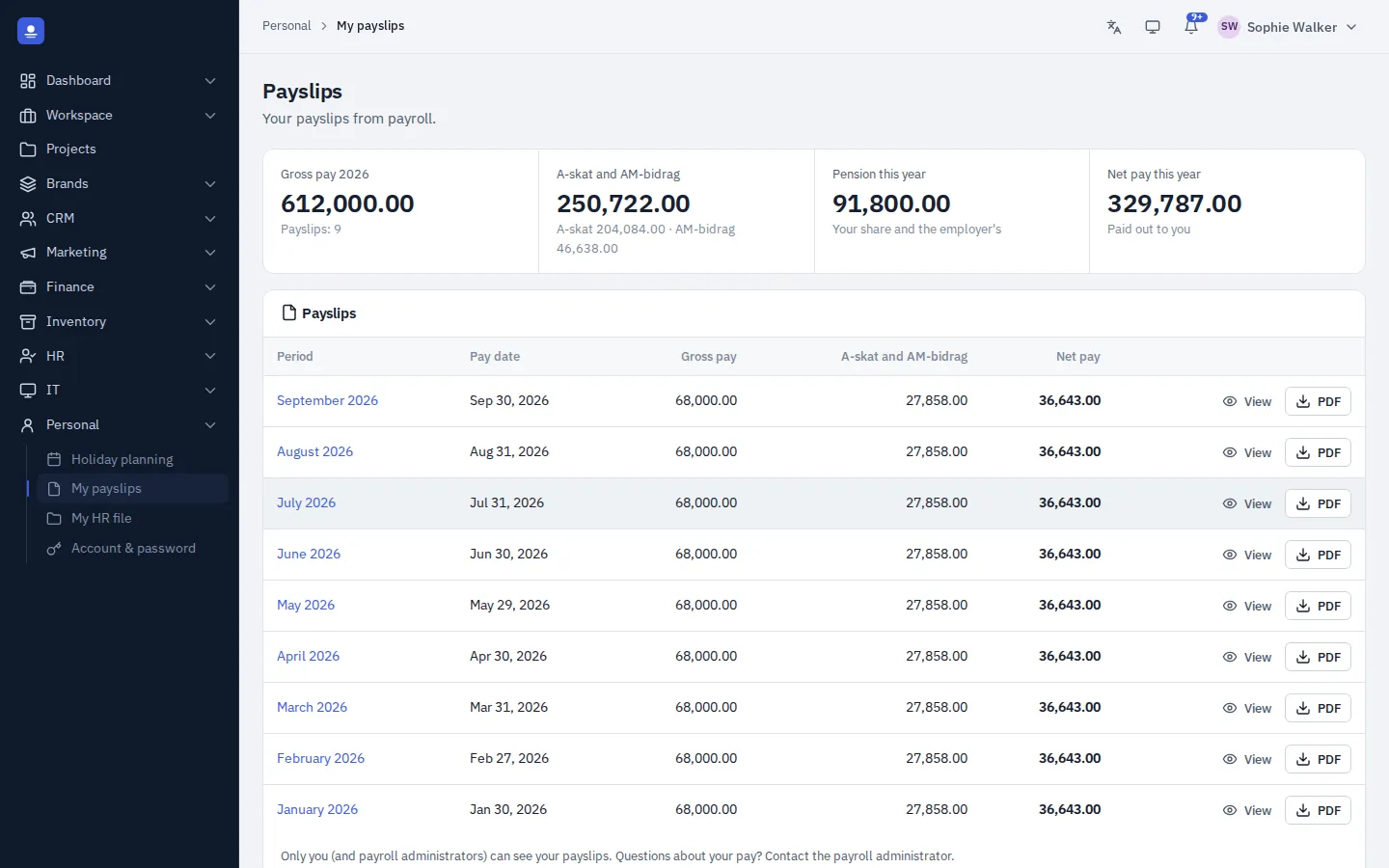
Every payslip in one place
When a pay run is approved, the payslip is ready in the employee's personal area as a PDF. All earlier payslips are there too, ready to download.
How leave works
From request to calendar
Check the calendar
See when colleagues are away before choosing dates.
Send the request
Pick the leave type and dates in the personal area.
Manager approves
The manager is warned if others on the team are away at the same time.
All up to date
The absence calendar and the holiday balance update automatically.
In detail
What employees can do themselves
-
My HR
Their own profile, files shared with them and their holiday balance.
-
Holiday planning
Request leave and follow the approval status.
-
Team calendar
See when colleagues are away before planning time off.
-
Payslips
All payslips as PDF, ready to download.
-
Account and security
Update profile details, turn on two-step verification and sign out of other devices.
-
Mobile app Coming soon
Leave, time, receipts and approvals on the phone.
Personal area FAQ
Can employees see everything in their HR file?
No. They see their profile and only the files and notes that HR has chosen to share with them.
Where do payslips come from?
From PolyOmi's payroll. When a pay run is approved, the payslips appear in each employee's personal area.
Can employees secure their own account?
Yes. They can turn on two-step verification and sign out of other devices from their personal area.
Fewer questions, more self-service
PolyOmi is in closed beta. Join the waiting list to give your team their own personal area when a spot opens.