
One home for every project and brand
Its people, work, files, domains and numbers in one place. Tasks, tickets, hours and invoices find their way to the right project on their own.
Projects
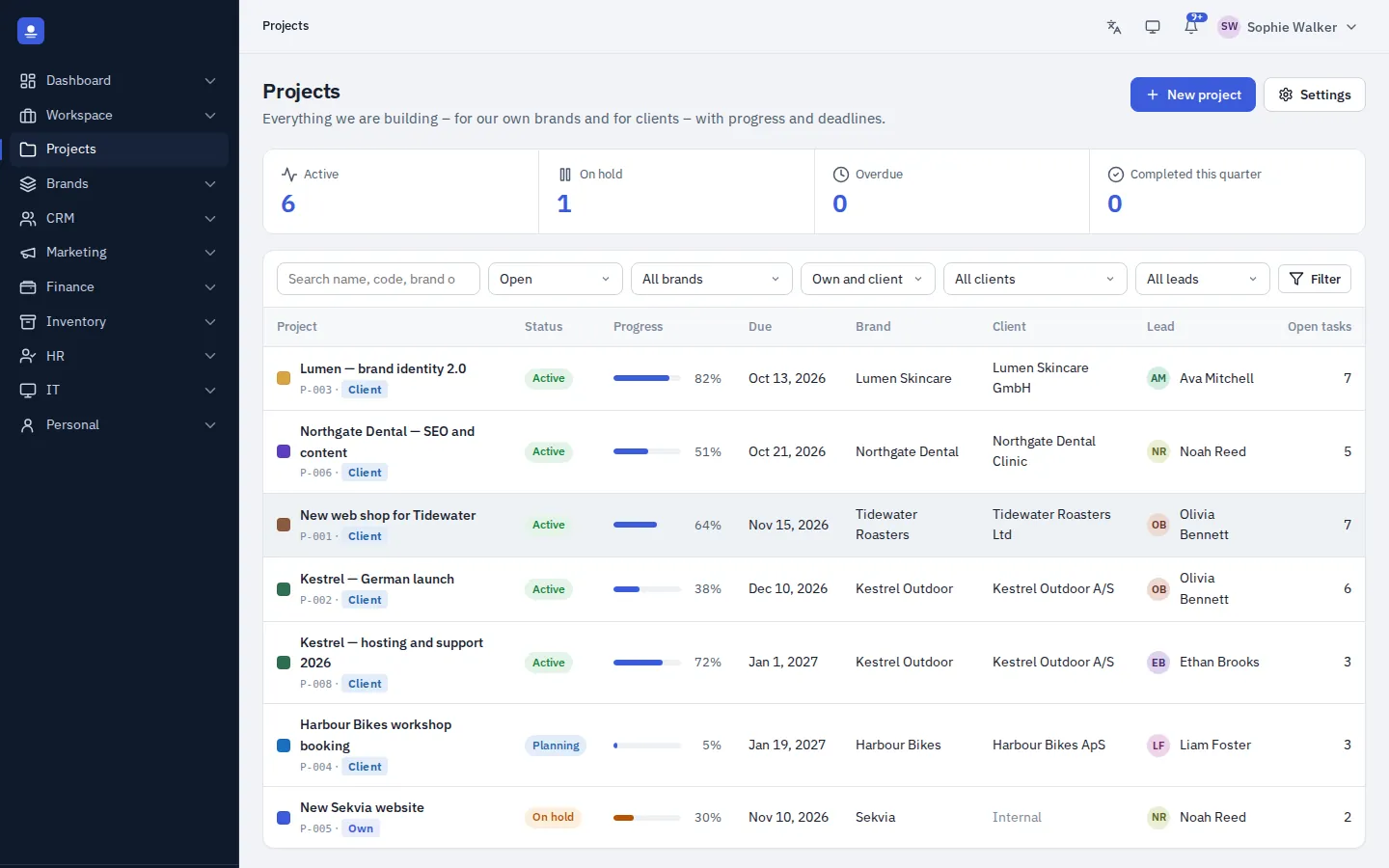
Every project, from brief to done
Projects get an automatic project code, a status (planning, active, on hold, completed or cancelled), start and due dates, a project lead, team members and a progress bar. Overdue projects stand out, so nothing slips quietly.
Open a project to see everything in tabs: overview, tasks, tickets, brand, economy and an activity history that shows who changed what and when.
Project economy
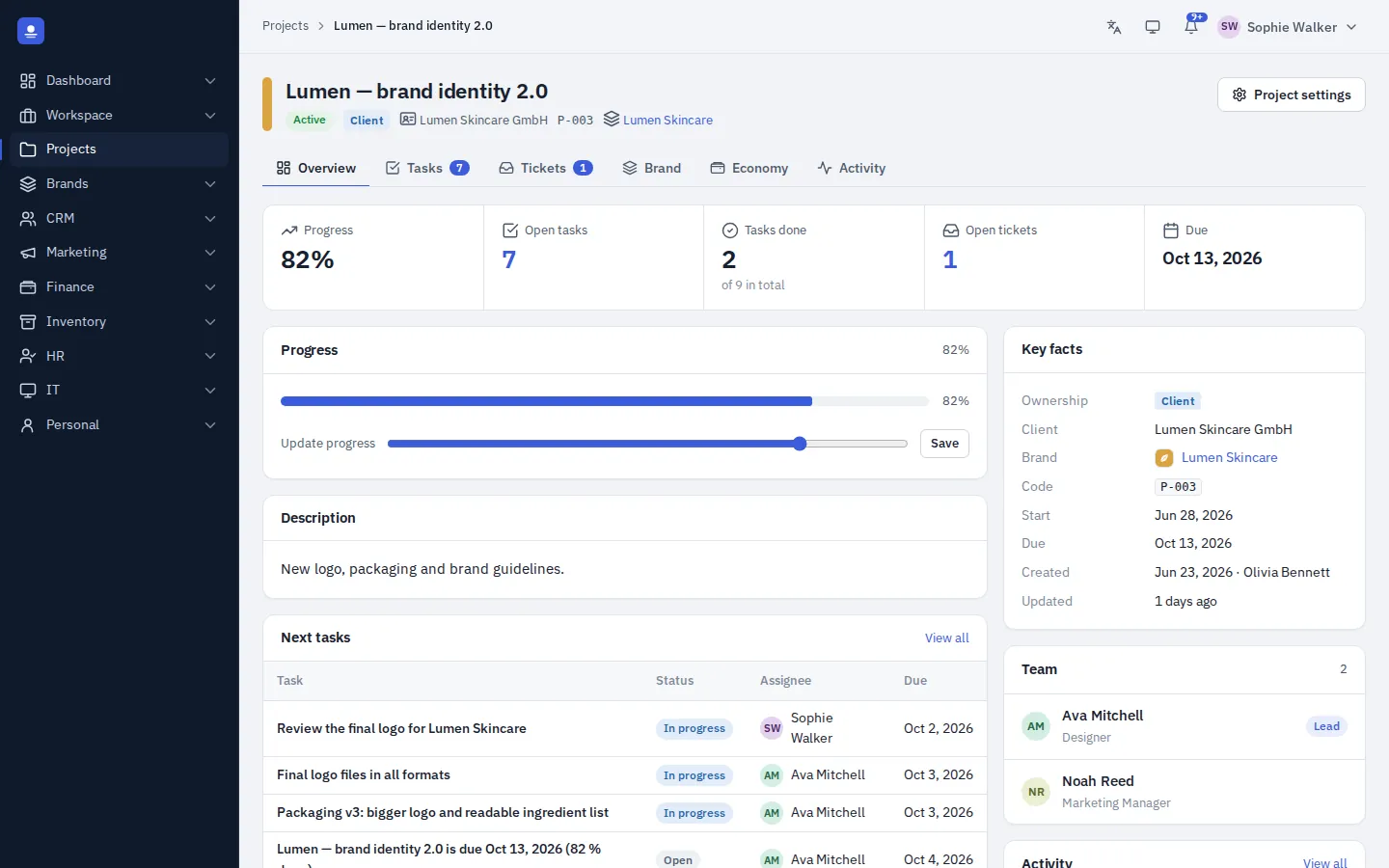
Know if a project pays off
The economy tab puts budget against actual: hours, costs, amounts invoiced and the result. Because time tracking, invoicing and bookkeeping live in the same system, the numbers are there without a spreadsheet.
- Budget against actual
- Hours, costs and invoiced amounts
- The result, per project and per brand
Brands
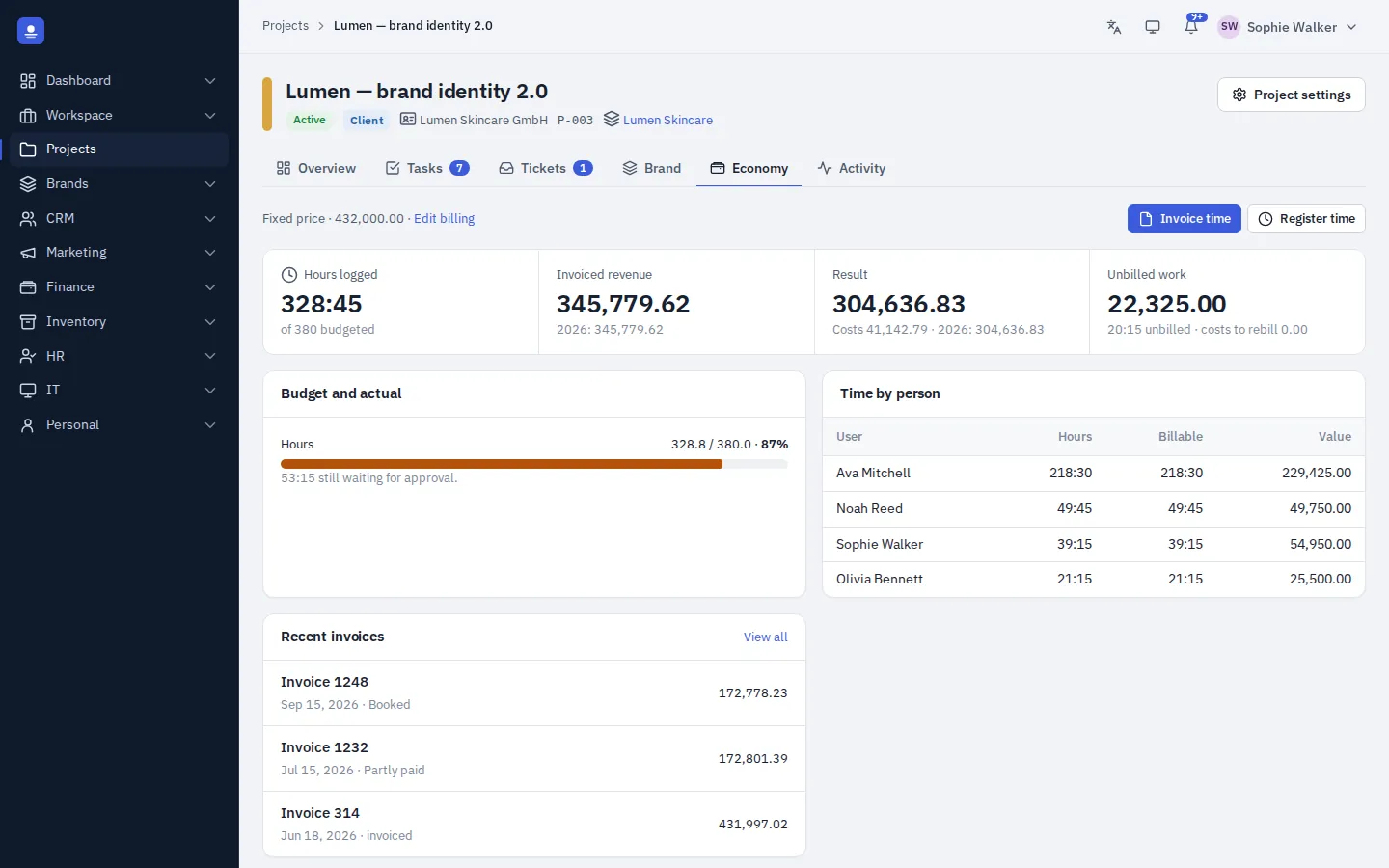
Your brands and your clients' brands, side by side
Keep your own brands and the brands you work on for clients in one list. Each has a colour, description, client link and visitor numbers from the built-in website analytics. Choose a brand on a task, project or posting, and access can be limited per brand.
Brand asset library
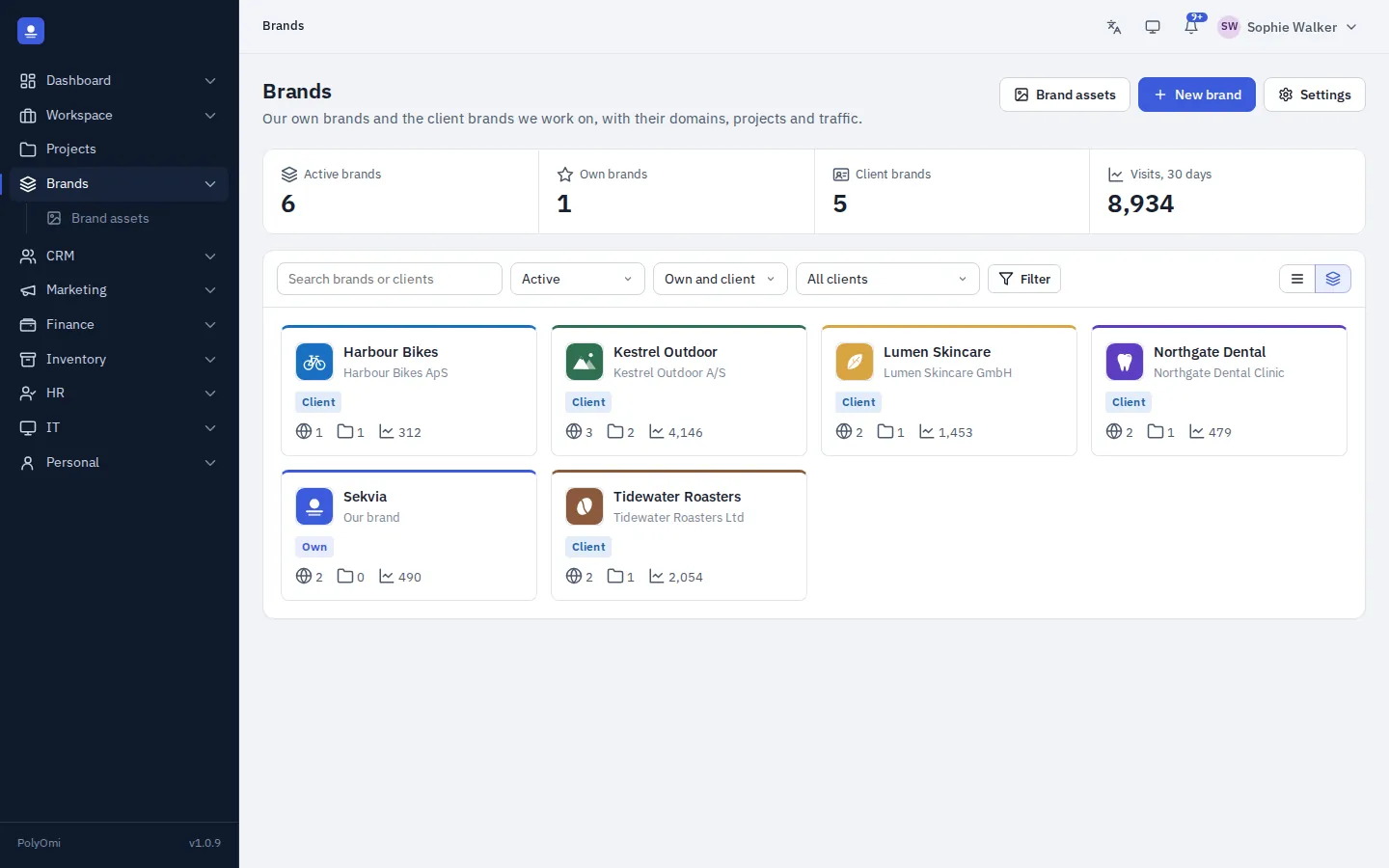
The right logo, every time
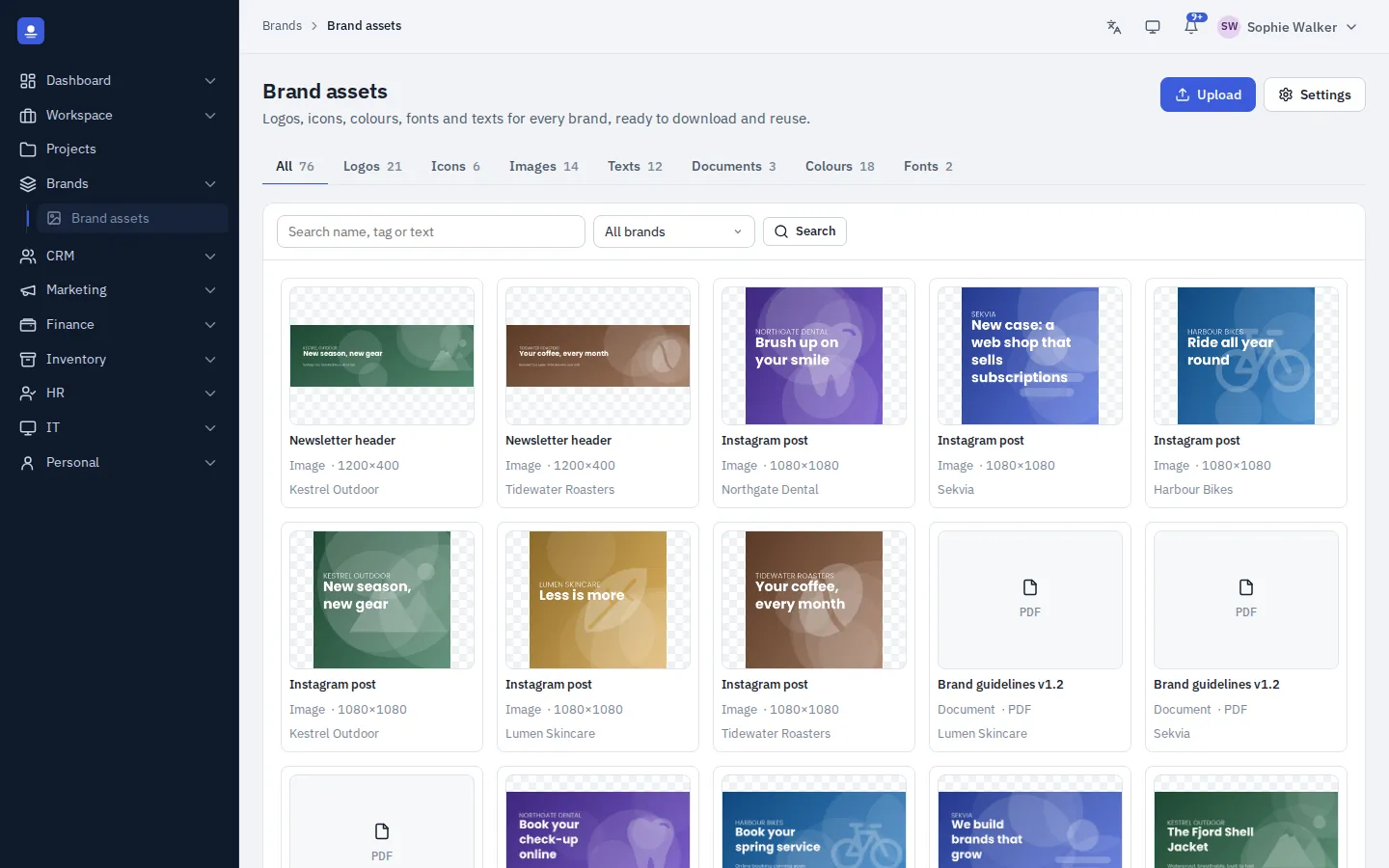
Logos, icons, images, texts such as taglines and boilerplates, documents, colours and fonts, in one searchable library per brand. Preview and download anything, and mark the brand's official logo so no one grabs an old version.
In detail
What projects and brands give you
-
Automatic project codes
Every project gets a code, a status and a progress bar.
-
Lead and team
A project lead and team members, with start and due dates.
-
Activity history
See who changed what, and when, on every project.
-
Economy tab
Budget against actual, hours, costs, invoiced amounts and result.
-
Own and client brands
Colour, description, client link and visitor numbers per brand.
-
Asset library
Logos, icons, images, texts, documents, colours and fonts per brand.
-
Domains per brand
Track the brand's domains and SSL certificates with expiry warnings.
-
Brand and project on postings
Brand and project are accounting dimensions, so results follow them too.
A closer look
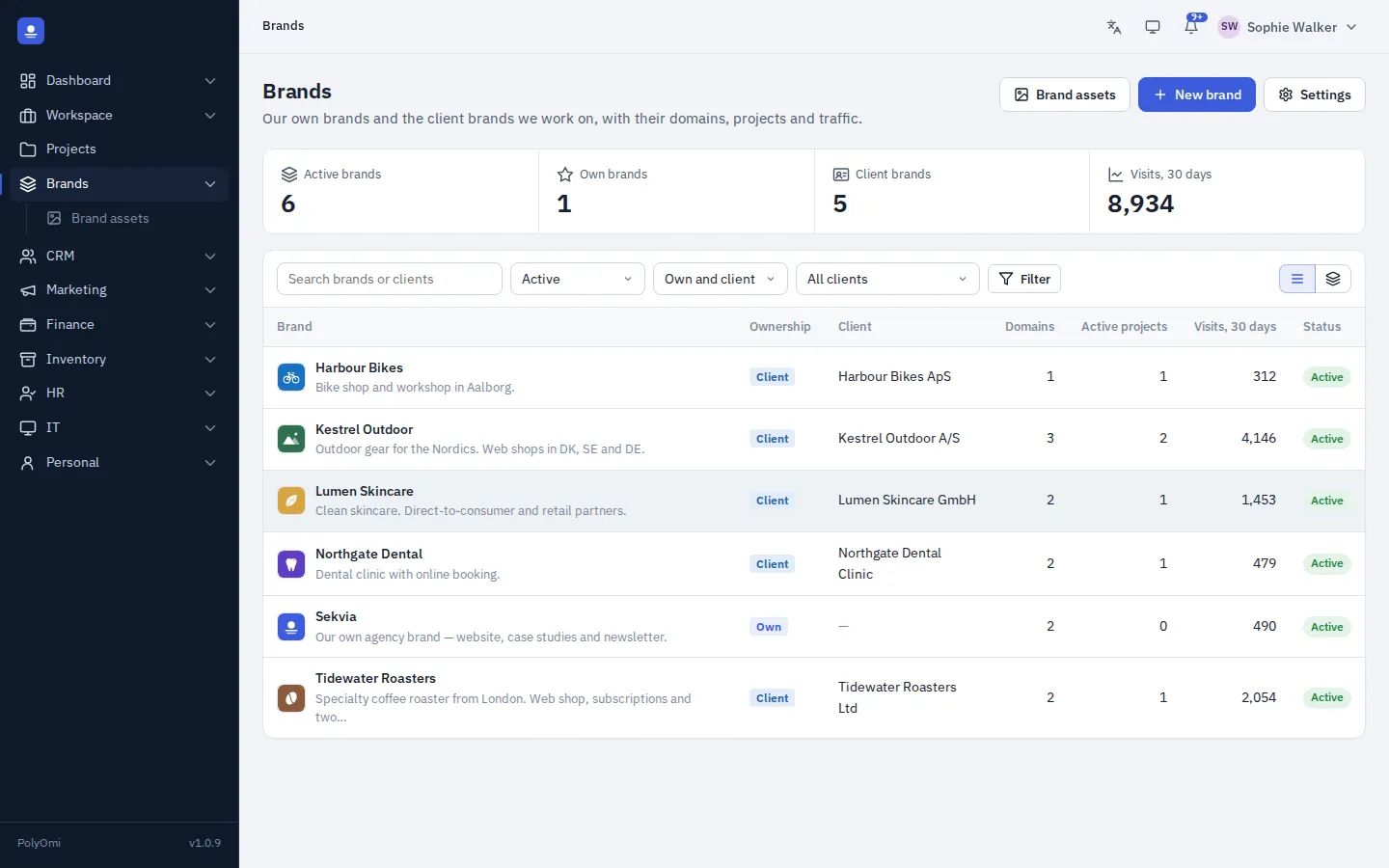
All brands in one list
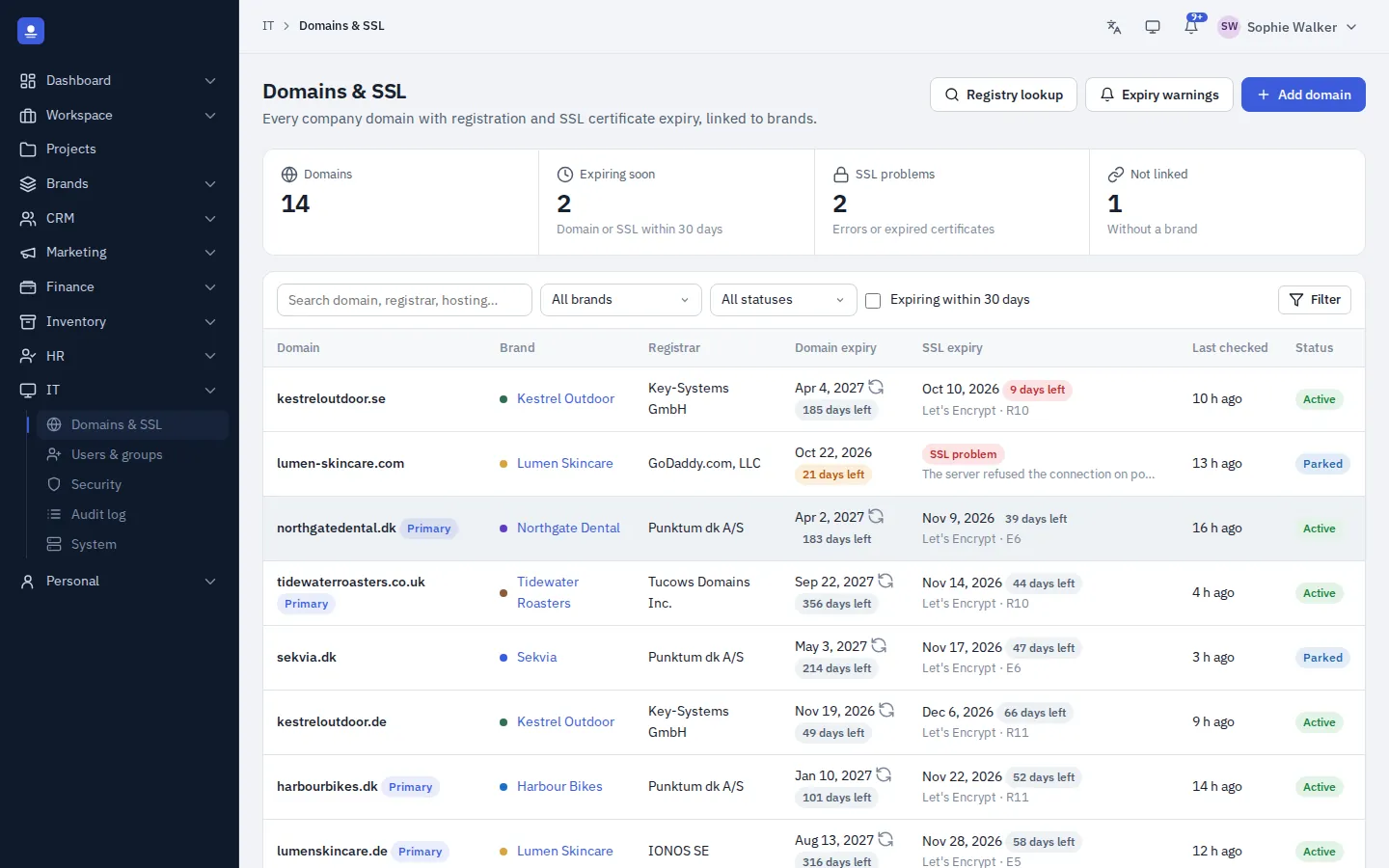
Domains and SSL per brand
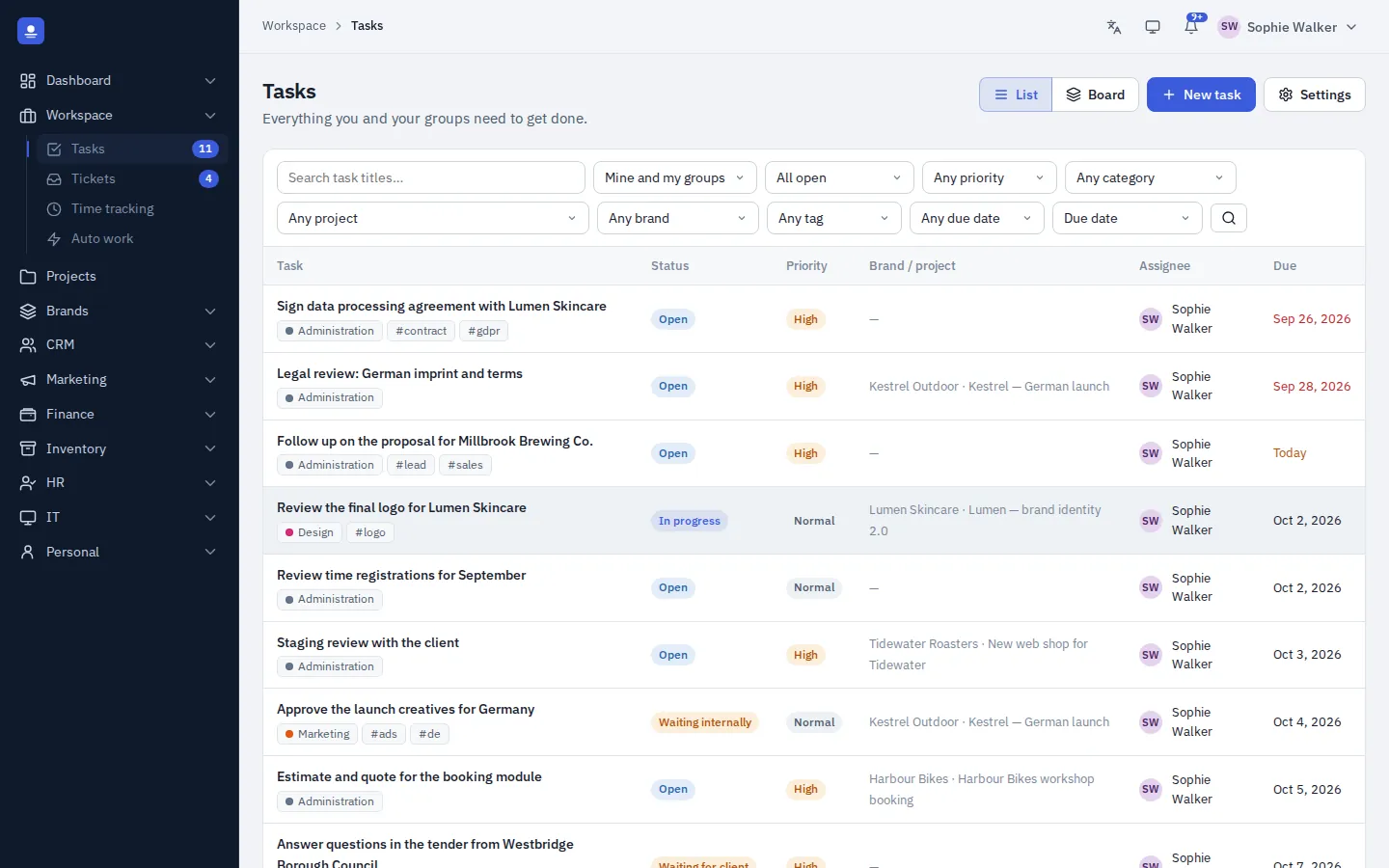
Tasks linked to brand and project
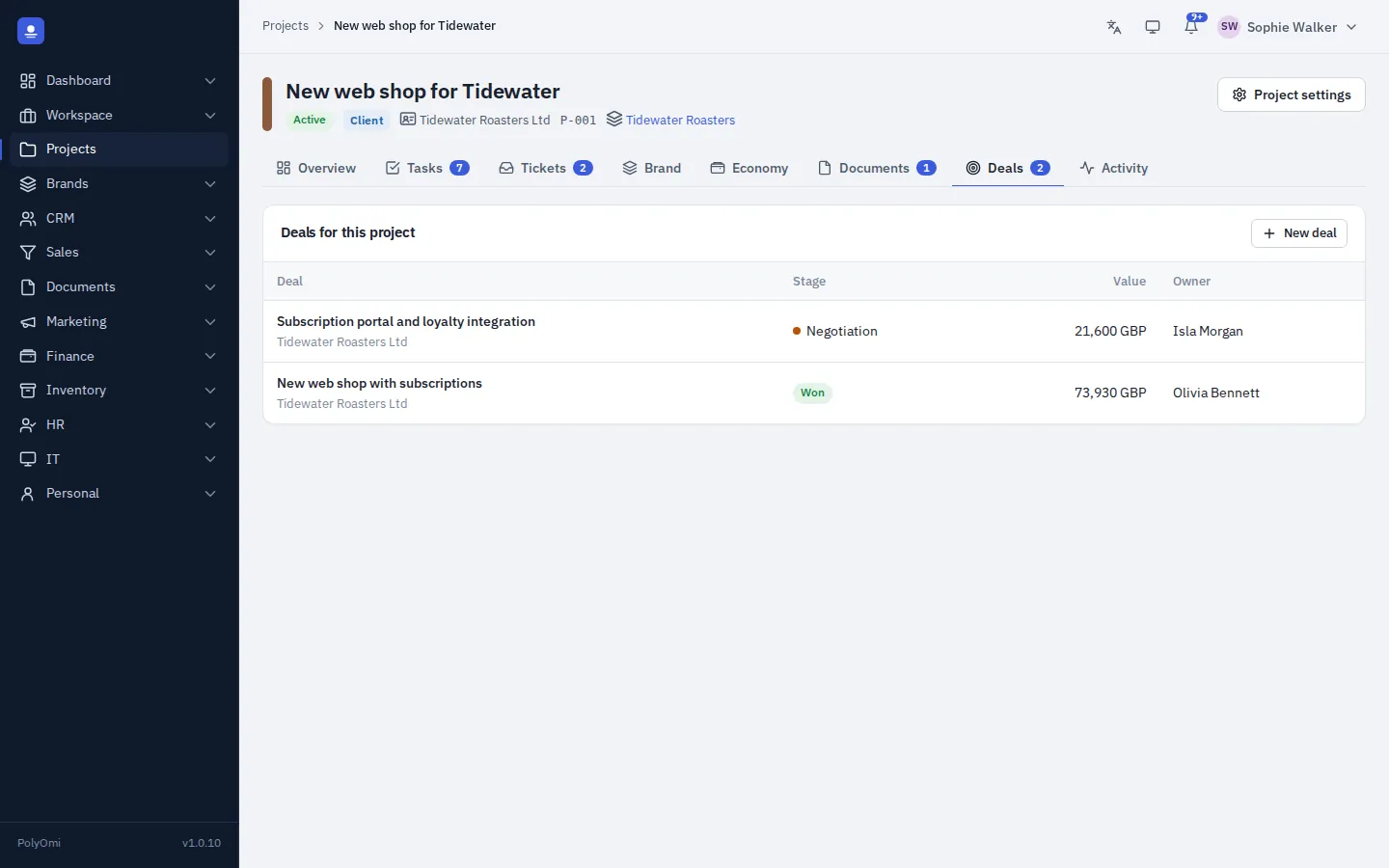
Deals on the project
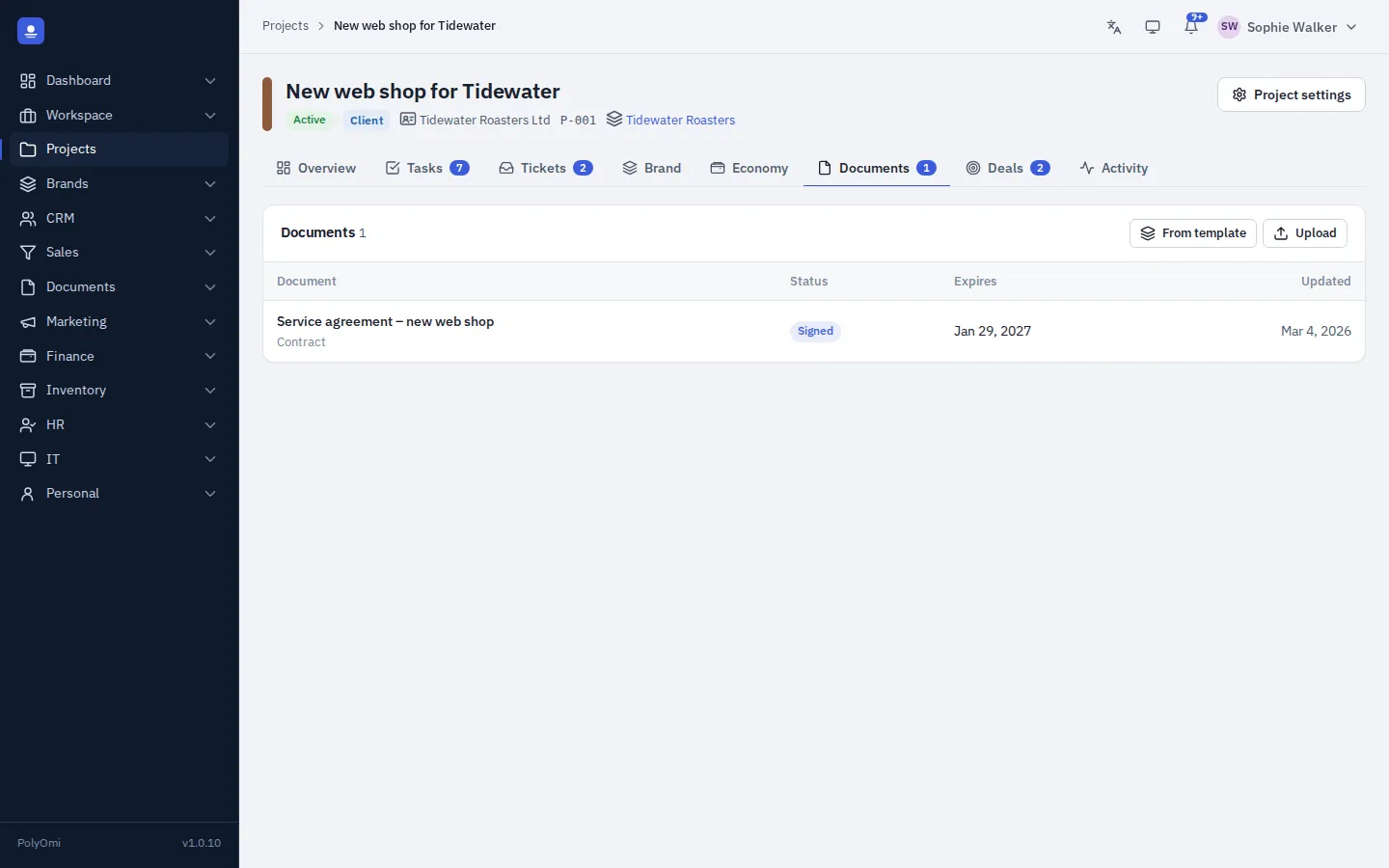
Documents on the project
Projects FAQ
Can clients see their projects?
Clients use the client portal to send messages and follow their conversations. Access to projects is controlled by roles, groups and permissions.
Where do the economy numbers come from?
From time tracking, costs and invoices in PolyOmi itself. Brand and project are dimensions on every posting line, so the result follows automatically.
Can I limit who sees which brands?
Yes. Groups decide which brands, projects and departments people can see.
Put every project in one place
PolyOmi is in closed beta. Join the waiting list to bring your projects and brands along when a spot opens.